Reptile care,
one tap at a time
ScaleCare is a care log and health check for reptile keepers. Tap Ate to log a feed, keep sheds, weights and enclosure readings in one place, and take three guided photos and a weight for a health check that points out signs worth showing a vet. It is general guidance, never a diagnosis.
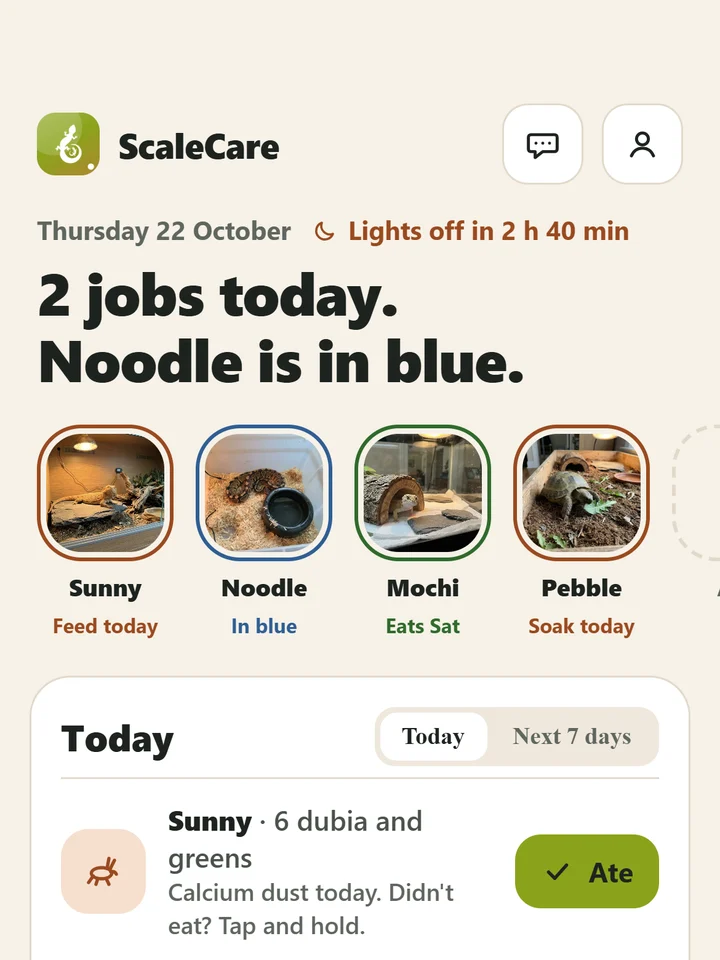
Add an animal, three small steps
Everything starts with one animal. You can use the log without an account.
Add your animal
Pick the species and give your animal a name, and add its enclosure if you like. ScaleCare does not guess the species from a photo: you choose it.
Log what happens
Tap Ate when a feed is eaten. Touch and hold if it was not, and pick a reason. Add sheds, weights in grams and enclosure readings as you go.
Check and keep the record
Run a health check when something looks different. Every entry lands in the Journal, a timeline you can turn into a vet sheet or a sitter sheet.
Looking after reptiles, in one place
Today and the Journal sit at the centre. Around them are animals and enclosures, a health check, lessons and Ask.
A health check from three photos
Take three guided photos (the whole body, the head and eyes, the feet and tail) and enter a weight in grams. You get a note for each area and the signs worth showing a vet. It never gives a diagnosis.
Today, in one sentence
Each day starts with what is due. One tap on Ate logs a feed. Nothing due is the normal state, and the app says so.
Animals and enclosures
Keep a profile for each animal, with its feeds, sheds, weights and photos, and its enclosure readings with where and when they were taken.
Is this normal?
Look up a worry and get a one-minute answer, with a check guide when a closer look helps. It says when something is worth showing a vet.
Ask
Ask a question and get an answer built from the ScaleCare lessons and care sheets and from your own log, with its sources. Ask is not a vet.
Journal
Feeds, sheds, weights and health checks gather in one timeline you can filter by type or by animal.
Vet sheet and sitter sheet
Turn the log into a vet sheet to take to an appointment, or a printed sitter sheet for whoever looks after your animals while you are away. Export the full log as a file too.
Reminders
Set care reminders, such as calcium dust, a weigh-in or a UVB tube change. Reminders are local notifications on your phone.
Sunday round and weeks kept
A short weekly round and a count of weeks kept. The streak is weekly, not daily.
Learn
Short courses, care sheets for a few common species, and one-minute answers, on topics such as heat, light and UVB.
Widgets
Put today on your home screen without opening the app.
A guide, not a vet
ScaleCare gives general reptile care guidance. It is not a veterinary service and not a substitute for an examination, diagnosis or treatment. Health check notes and Ask answers are generated automatically and can be wrong. If your animal seems ill, hurt or distressed, contact a qualified vet, and do not wait on an app result.
Know what is due, log it in a tap
Reptile care is small jobs on a rhythm: a feed, a soak, a weigh-in, a lamp. Today lists what is due and keeps the log honest about what actually happened.
-
One tap for Ate The Ate button logs a feed. Touch and hold it for the “Didn’t eat?” sheet and pick a reason.
-
A second refusal in a row The app offers to move the next feed.
-
Readings with a place and a time Each enclosure shows where and when a reading was taken, next to the range for the species. Ranges are starting points you can edit.
-
Sheds and weights Log a shed, and weigh in grams. The scale you use sets how precise the weight is.
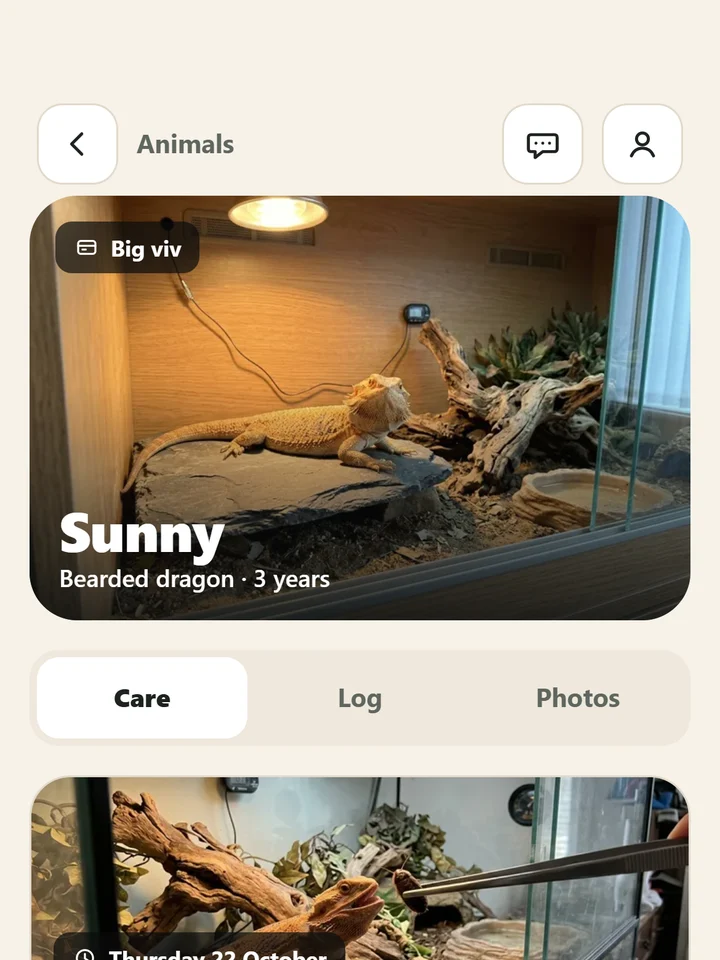
Look closer, then decide
Some things are easier to spot in a photo than in a worried glance at the tank. ScaleCare gives you a structured look and tells you what is worth showing a vet.
-
Six areas Eyes, mouth, skin and shed, toes and tail tip, droppings and urates, and body shape. Each opens a short check guide before the camera.
-
A full check or one area The full check takes about four minutes: three photos and a weight. Or check one area on its own.
-
Three kinds of result line All clear, worth showing a vet today, or act now. Never a diagnosis, a dose or a score.
-
Said up front Photos are sent to be read, and ScaleCare says so before you start. If something looks wrong right now, Ask links to an Emergency page.
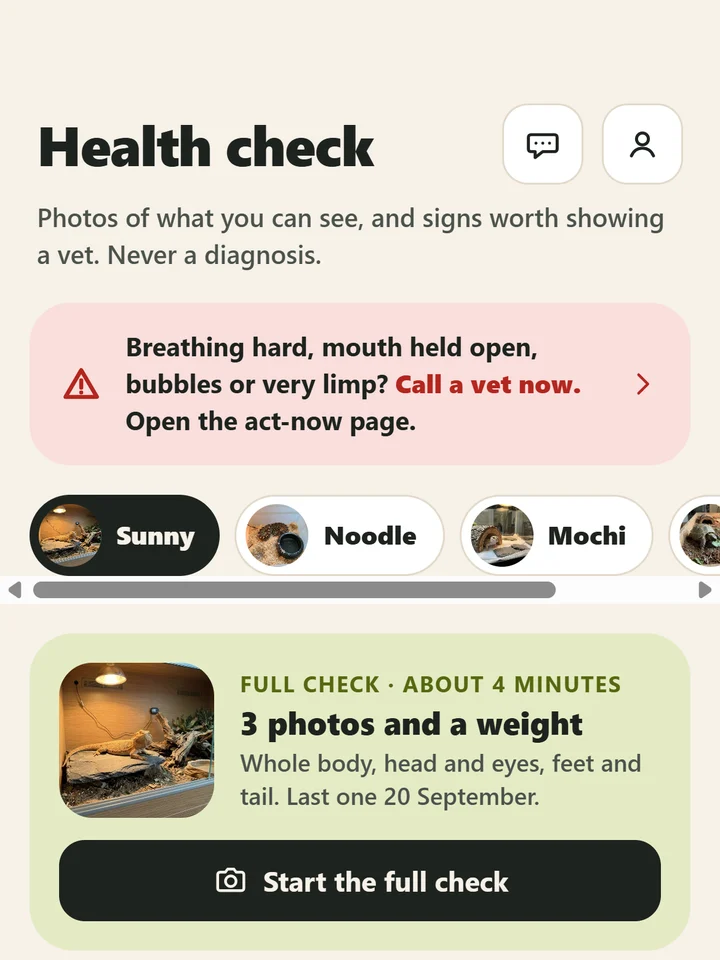
Keep the record, hand it over
At the vet nobody remembers when the last meal was refused or what the weight was a month ago. The Journal does, and it can print it.
-
One timeline Feeds, sheds, weights and health checks in order, with filters for type and for animal.
-
A vet sheet and a sitter sheet The vet sheet gathers the log for an appointment. The sitter sheet is a printed page for whoever covers while you are away.
-
Export Save the full log as a file through your phone’s share sheet. Where it goes is your choice.
-
A backup, if you want one The log lives on your phone. If you sign in and turn on Backup in Settings, a copy of your entries and photos is kept in your account so it can be restored.
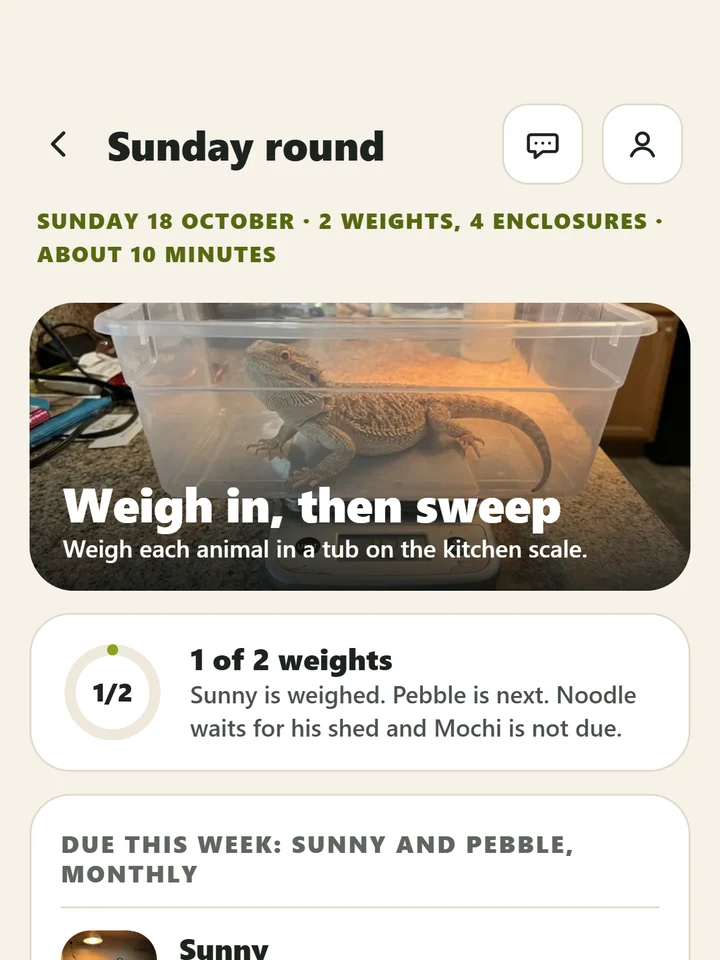
What ScaleCare covers
The main screens, in the order you will meet them.
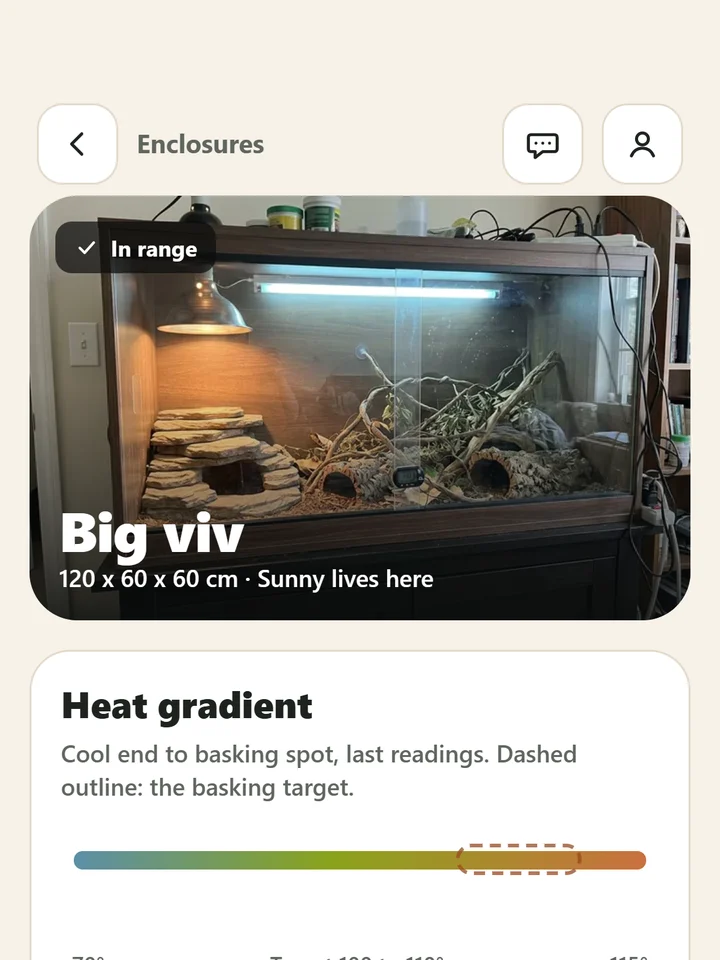
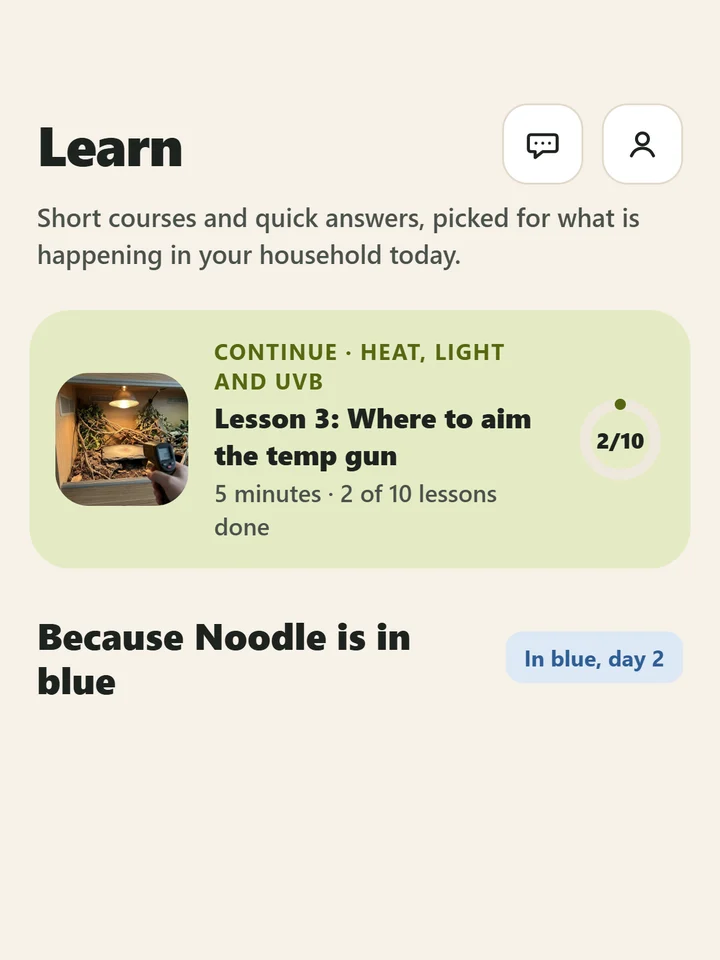
These tiles hold the app icon until real screenshots are added. What the app shows you depends on your own animals and the photos you take.
What you get with ScaleCare
ScaleCare is free to download, and a subscription unlocks the app. Where your store offers a free trial, the purchase screen shows it before you commit, and the app can remind you before the trial ends.
Start with the appPrice, any free trial and renewal terms are set by the App Store or Google Play and are shown on the purchase screen in your region before you buy. A subscription renews automatically unless you cancel before the renewal date, and you can cancel any time from your store subscription settings.
-
Health checks Three photos and a weight, with a note for each area.
-
Ask Answers from the lessons, care sheets and your own log.
-
Every animal on one plan Feeds, sheds, weights and enclosure readings for all of them.
-
Journal, vet sheet and sitter sheet The timeline, exports and printed sheets.
-
Widgets Put today on your home screen.
Questions, answered
The things people ask before they download.
Start with one tap
Add your first animal and log a feed. Free to download.